Payment Lifecycle
This guide outlines the standard payment lifecycle when processing transactions through Nopan - from initial authorization to capture, refund, and cancellation. This lifecycle applies across all providers integrated via Nopan's API.
Transaction Flow Overview
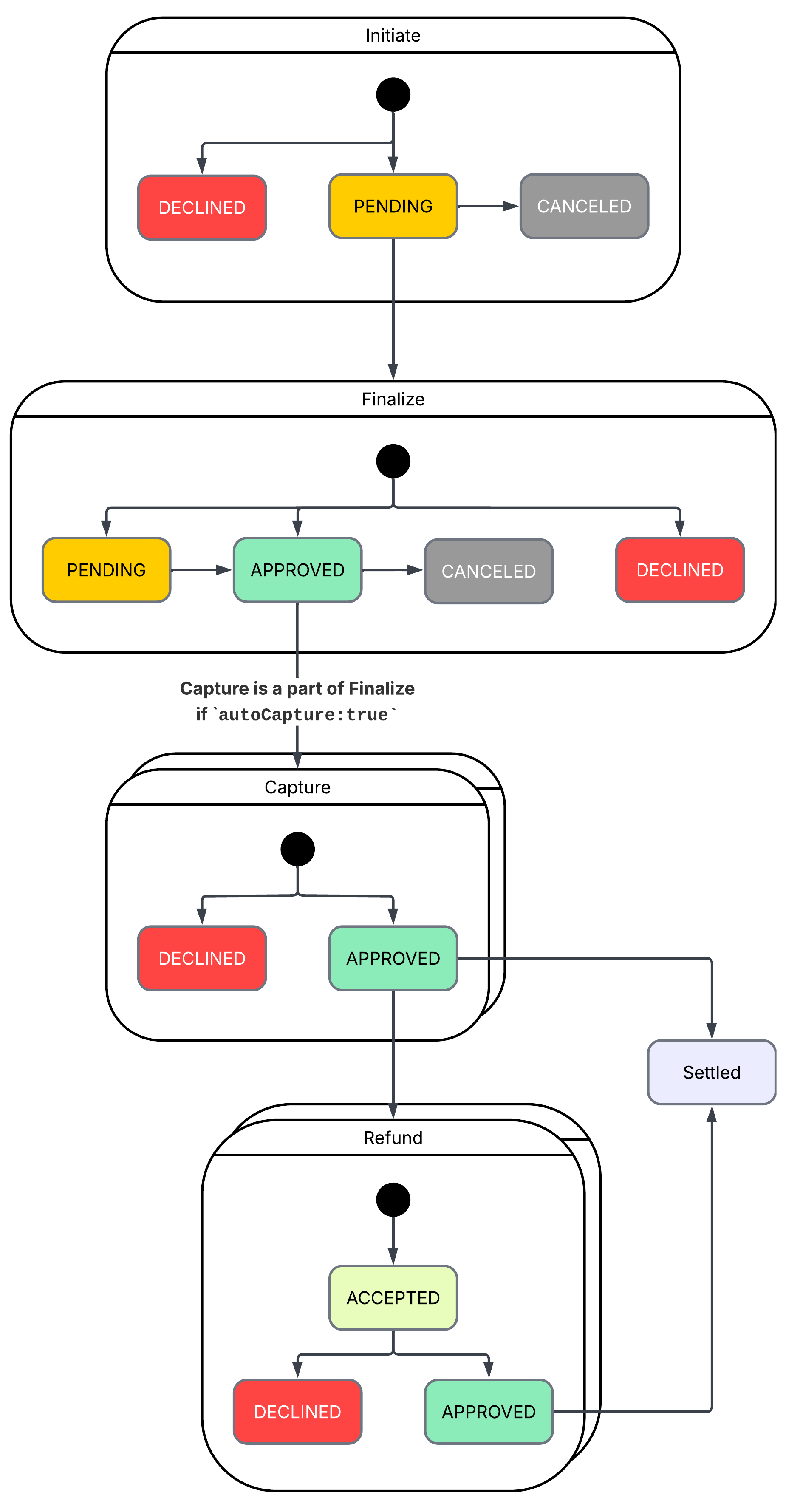
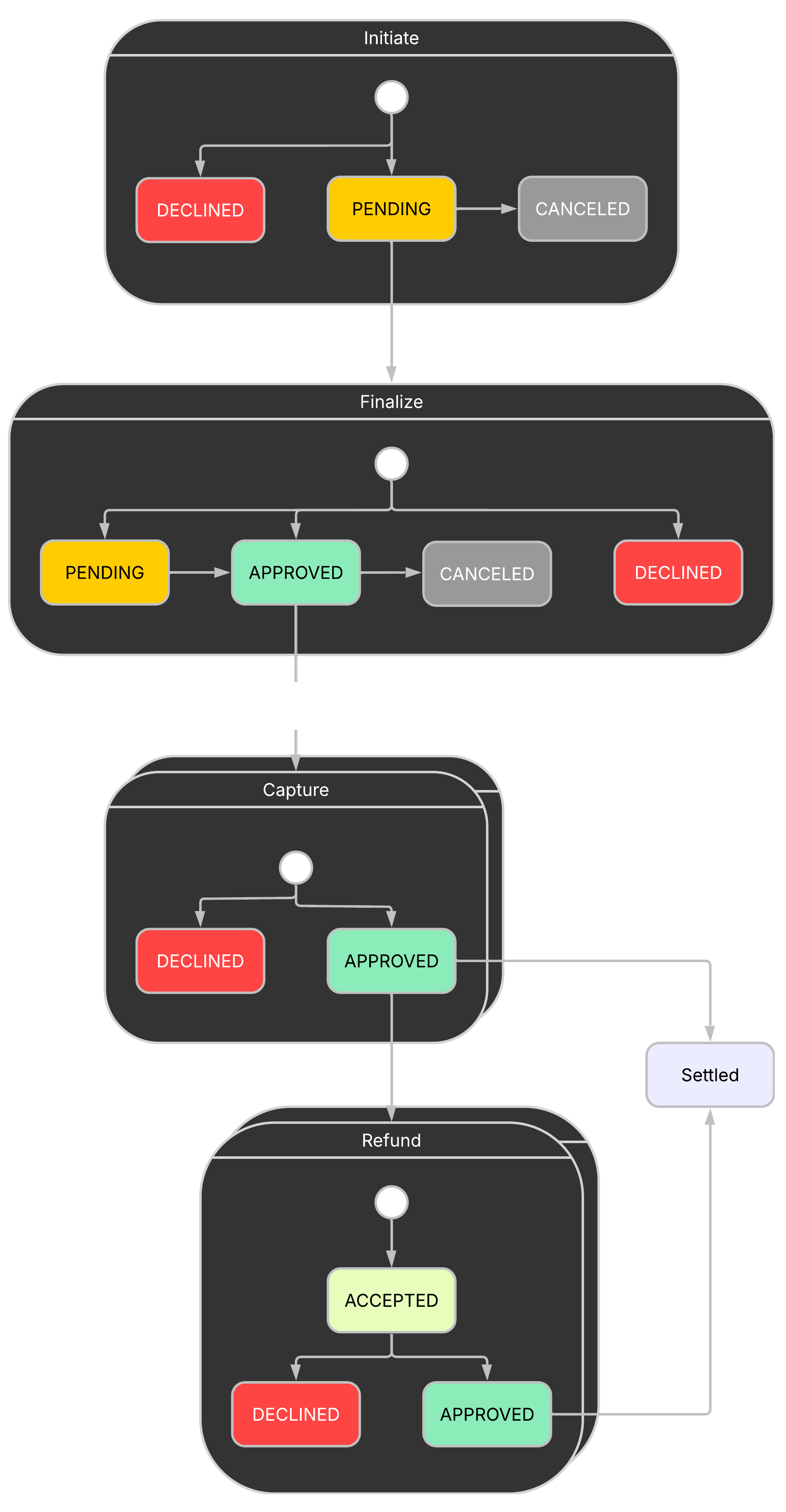
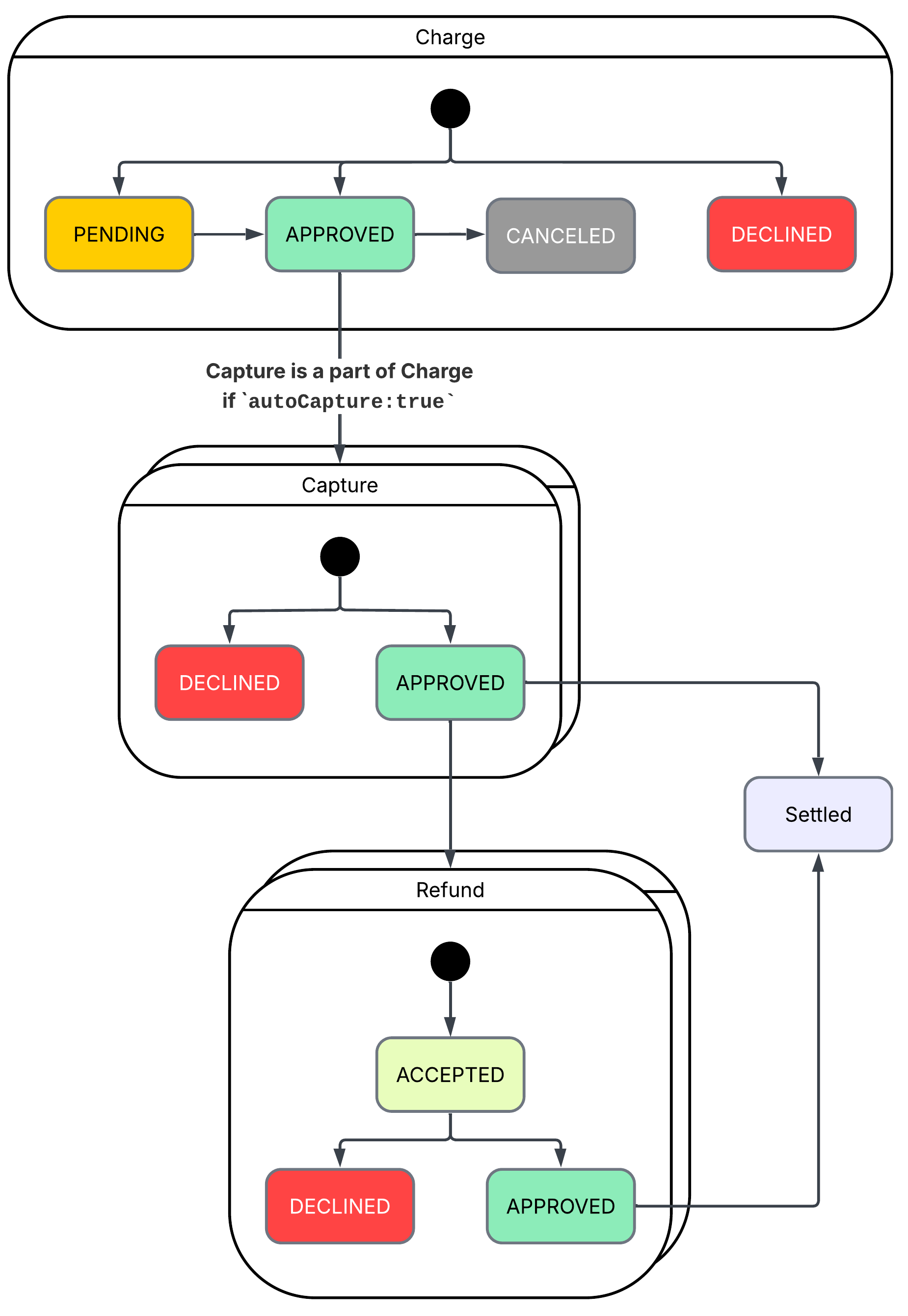
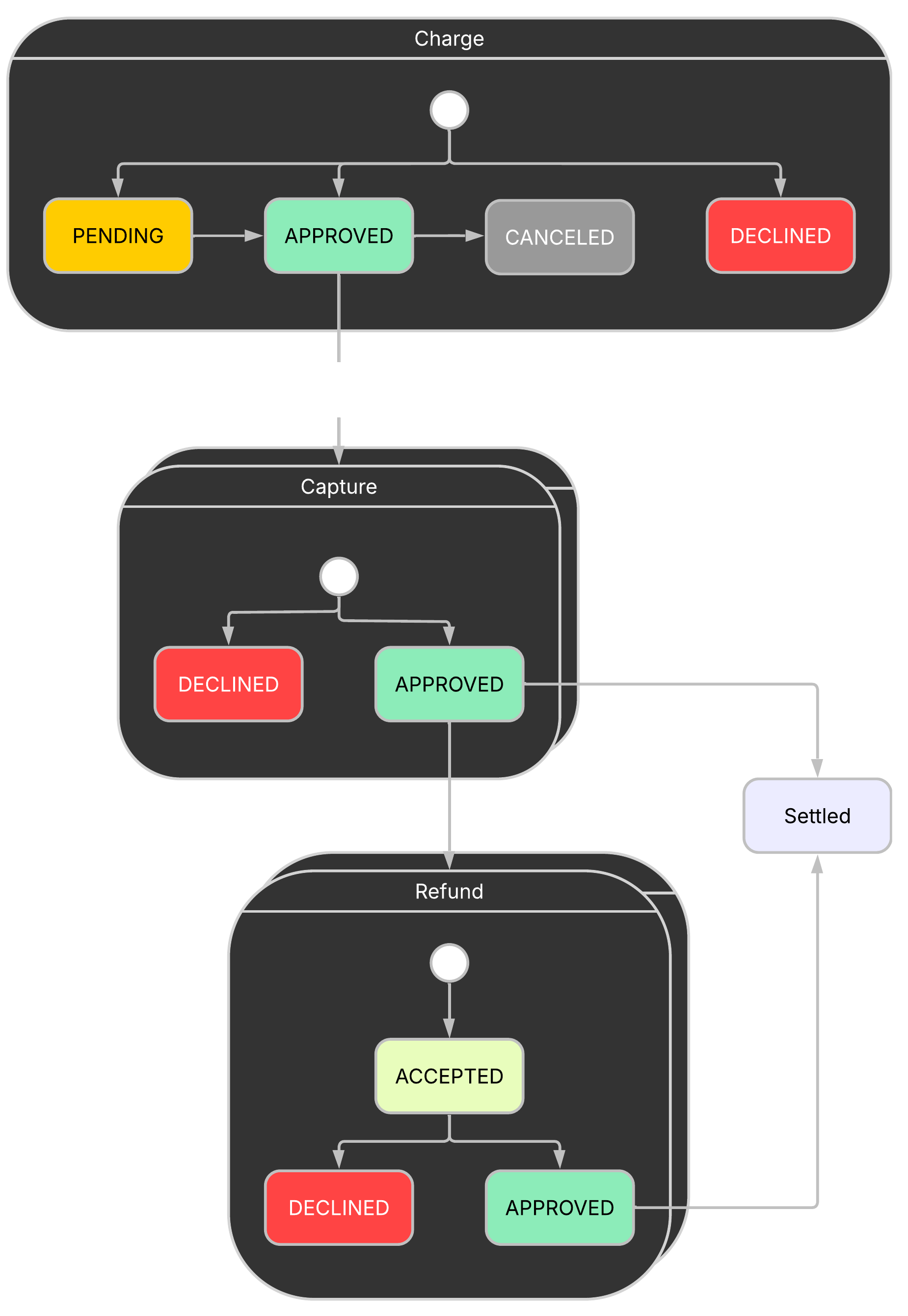
Diagrams below illustrate how transactions move through Nopan depending on the integration path and payment method.
Customer Initiated Transactions (CIT)
In CIT flows, the shopper initiates the transaction (e.g., during checkout). Most CIT flows involve redirection to the shopper's bank or wallet to complete Strong Customer Authentication (SCA).
The typical lifecycle includes:
- All payments start with an Initiate Payment request.
- After the shopper completes Strong Customer Authentication (SCA), submit a Finalize Payment request.NoteFinalize payment completes all necessary steps to onboard a shopper and authorize the transaction with the payment scheme.
If the autoCapture flag is set to true, Finalize will also perform a Capture. - If using delayed capture, follow finalization with a separate Capture request to complete the transaction and move funds.
- Settlement occurs automatically after a successful capture.
- Once a transaction is Settled, you may submit a Refund request to return funds to the shopper.
Merchant Initiated Transactions (MIT)
Used in recurring or credential-on-file scenarios. The merchant initiates the payment without active shopper interaction. A valid mandate must exist.
- All recurring payments begin with a Charge request, which performs authorization.NoteIf the autoCapture flag is set to true, Charge will also perform a Capture.
- If using delayed capture, follow finalization with a separate Capture request to complete the transaction and move funds.
- Settlement occurs automatically after a successful capture.
- Once a transaction is Settled, you may submit a Refund request to return funds to the shopper.
Use status API or webhook notifications to track transaction progress reliably.
Most schemes support decoupled Authorization and Capture flows and many support multiple Partial Captures.
Refunds and Partial Refunds are supported by many schemes. Check Payment Methods for more details.
Transaction Status Reference
Understanding transaction statuses is essential for designing reliable payment flows and handling edge cases gracefully.
Each status reflects the current state of a payment, from initiation to capture and beyond. Nopan uses a consistent status model across all APIs and providers, including support for post-capture actions like refunds.
Use this reference to understand how to respond to status changes during integration and in production systems.
/payments/finalize
/payments/charge
/payments/capture
/payments/charge
/payments/refund
/payments/finalize
/payments/charge
/payments/capture
/payments/refund
/payments/initiate
/payments/finalize
/payments/charge
Error Handling & Retries
- Always log transactionId, status, and reasonCode from API responses.
- Declined or canceled transactions cannot be captured or refunded.
- Handle declines gracefully by offering retry options or alternative payment methods.
- Nopan retries webhook delivery using exponential backoff. Undeliverable events are sent to a dead-letter queue.
- Polling /payments/id/status is rate-limited - use webhooks for real-time tracking.
Stages Comparison Table
/payments/finalize
/payments/charge
Best Practices
- Capture immediately after successful authorization when possible.
- Cancel stale authorizations to release held funds.
- Use status API or webhook for reliable transaction updates.
- Support partial capture and refund logic if your provider allows it.
For full request schema, see API Reference.