BLIK
BLIK is a leading account-to-account payment method in Poland, used by over 90% of online shoppers. It allows shoppers to pay instantly through their banking apps by entering a secure 6-digit code or using a OneClick flow without any code entry.
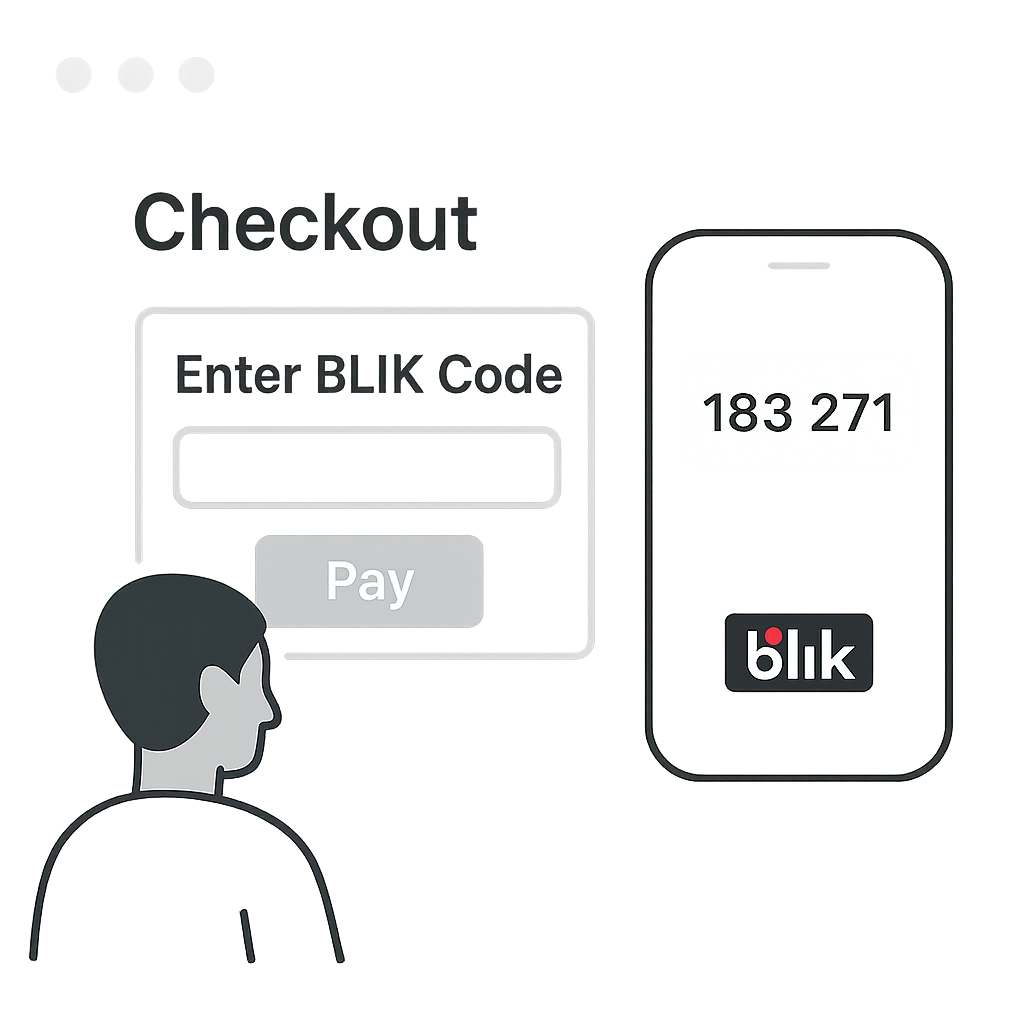
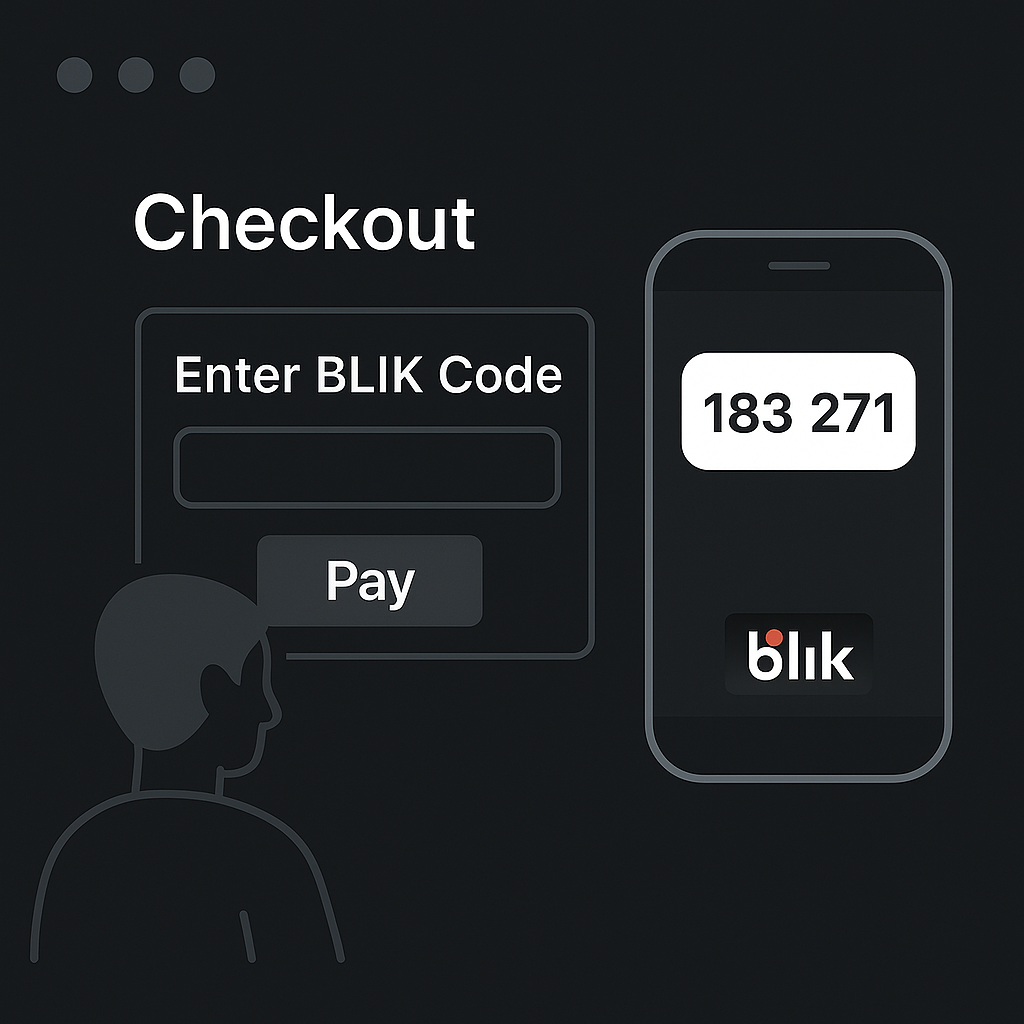
BLIK Code
The shopper enters a 6-digit code from their banking app. You send it to BLIK and the transaction is confirmed in seconds.
- No login required
- Familiar UX
Details
Capabilities
Flows
BLIK with Code / Onboarding
This flow works for ONE_TIME , RECURRING , and TOKEN_ONLY transaction types.
Steps
- Shopper selects BLIK and enters a 6-digit code from their bank app.
The code expires in 120 seconds.
- Merchant Initiates Payment with Nopan.
- Nopan initiates the payment with the BLIK gateway.
- BLIK sends a push notification to the shopper's bank.
- Shopper confirms the transaction in their banking app.
Shopper must take an action within 45 seconds.
- Nopan notifies merchant about transaction being completed.
- Alternatively merchant periodically checks for the status of transaction.
Integration
- Direct API
- Drop-in
Send a POST /payments/initiate request to Nopan with the following format:
{
  "processingAccountId": "merchant-1234",
  "clientTransactionId": "client-txn-54c8c9bc",
  "returnUrl": "https://api.merchant.callback?ref=order-1234",
  "transactionType": "ONE_TIME",
  "paymentDetails": {
    "amount": 100,
    "currency": "PLN",
    "country": "PL",
    "description": "Product ID 1234 purchase"
  },
  "providerDetails": {
    "providerId": "BLIK"
  },
  "payerDetails": {
    "payerId": "payerUUID",
    "oneTimeCode": "123456"
  },
  "requestContext": {
    "ipAddress": "203.0.113.45",
    "userAgent": "Mozilla/5.0 (Windows NT 10.0; Win64; x64) AppleWebKit/537.36",
    "channel": "WEB",
    "deviceId": "device-12345",
    "locale": "pl-PL"
  },
  "metadata": {
    "orderId": "12345",
    "customerId": "cust-789",
    "productCategory": "electronics"
  }
}
One time BLIK code is required.
Drop-in components are currently in development.
BLIK will automatically appear in your checkout when eligible. No additional configuration is required for most integrations.
BLIK Recurring
This flow works only with RECURRING transaction types.
Steps
- Merchant sends Nopan a Charge Request with either a payerId or a payment token.
- Nopan initiates a payment with Blik
- Nopan notifies merchant about transaction being completed.
- Alternatively merchant periodically checks for the status of transaction.
Integration
- Direct API
- Drop-in
Send a POST /payments/charge request to Nopan with the following format:
{
  "clientTransactionId": "order123",
  "transactionType": "RECURRING",
  "paymentDetails": {
    "amount": 200,
    "currency": "PLN",
    "country": "PL",
    "description": "Product ID 1234 purchase"
  },
  "providerDetails": {
    "providerId": "BLIK"
  },
  "payerDetails": {
    "payerId": "payerUUID",
    "paymentToken": "paymentTokenUUID"
  }
}
paymentToken or payerId is required.
Drop-in only available for a ONE_TIME flow.
Testing
Leverage Nopan Mocking framework to test your Blik integration with Nopan or use these values to simulate payments in test mode:
Error Codes
For a full list of Nopan error codes, see Error Handling.
3001 – Invalid BLIK code / expired40003002 – User declined in app20013003 – Timeout20003004 – Recurring not supported8003Requirements
- Merchant must be registered in Poland.
- Shopper must use a participating bank`s mobile app.
- Recurring models require explicit shopper consent.
Learn More
Recurring Payments
BLIK supports recurring billing via three models:
Learn more about differences in the recurring models on BLIK website.