Bizum
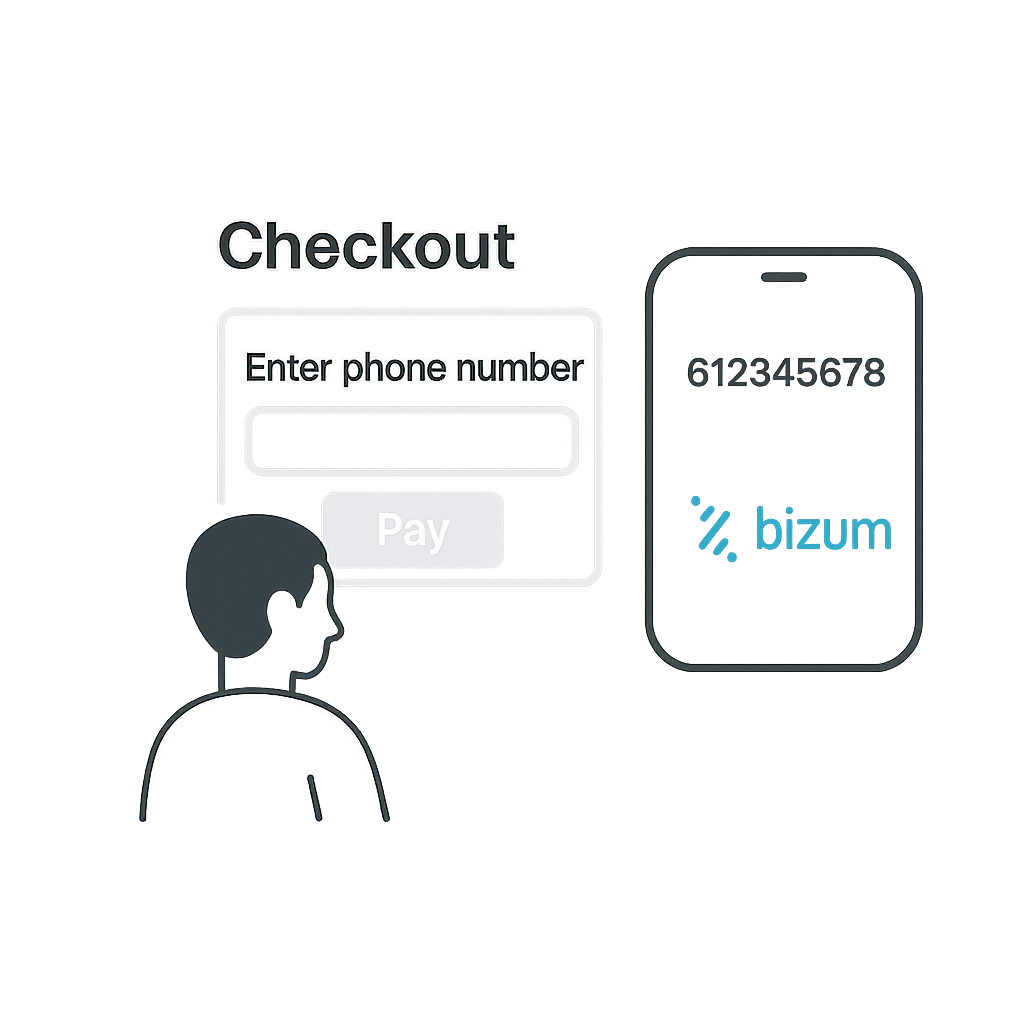
Bizum is a mobile payment solution in Spain that allows shoppers to pay merchants using their phone number. It supports mobile-first flows, and recurring transactions via stored COF credentials.
Mobile push notifications
The shopper enters their phone number. User authorizes the payment and the transaction is confirmed in seconds.
- Pay via phone number with no card entry
- Fast checkout experience
Details
Capabilities
Flow
Bizum Onboarding
This flow works for ONE_TIME , and RECURRING transaction types.
Steps
- Shopper selects Bizum and enters their phone number.
Phone number should be associated with Bizum account.
- Merchant Initiates Payment with Nopan.
- Nopan checks the shopper's Bizum Request To Pay (RTP) eligibility and initiates the payment with the Bizum gateway. Payments for shoppers without Bizum or RTP enabled are declined at this step.
- Bizum sends a push notification to the shopper's bank app.
- Shopper confirms the transaction in their banking app.
- Nopan notifies merchant about transaction being completed.
- Alternatively merchant periodically checks for the status of transaction.
Integration
- Direct API
- Drop-in
Send a POST /payments/initiate request to Nopan with the following format:
{
  "processingAccountId": "merchant-1234",
  "clientTransactionId": "client-txn-54c8c9bc",
  "returnUrl": "https://api.merchant.callback?ref=order-1234",
  "transactionType": "ONE_TIME",
  "paymentDetails": {
    "amount": 50,
    "currency": "EUR",
    "country": "ES",
    "description": "Product ID 1234 purchase"
  },
  "providerDetails": {
    "providerId": "BIZUM"
  },
  "payerDetails": {
    "payerId": "payerUUID",
    "phone": {
      "number": "633782248",
      "countryCode": "+34"
    }
  },
  "requestContext": {
    "ipAddress": "203.0.113.45",
    "userAgent": "Mozilla/5.0 (iPhone; CPU iPhone OS 16_0 like Mac OS X) AppleWebKit/605.1.15",
    "channel": "WEB",
    "deviceId": "device-67890",
    "locale": "es-ES"
  },
  "metadata": {
    "orderId": "12345",
    "customerId": "cust-789",
    "campaign": "summer2025"
  }
}
Registered Bizum phone number is required.
Drop-in components are currently in development.
Bizum will automatically appear in your checkout when eligible. No additional configuration is required for most integrations.
Bizum SCA Flow
This flow may occur for ONE_TIME and RECURRING transaction types.
When Bizum cannot authenticate the payment through the banking app, it falls back to a strong customer authentication (SCA) challenge: the shopper receives a one-time code on their phone, and the merchant submits it to complete the payment. In test mode, amounts between €75 and €85 trigger this flow (see Testing).
Steps
- Merchant Initiates Payment with Nopan.
- When Bizum requires an SCA challenge, the initiate response returns
PENDINGwith reason code4972(SCA required) and the shopper receives a one-time code on their phone. - Merchant collects the one-time code from the shopper.
- Merchant Finalizes Payment with the one-time code.
- On success the payment is approved and captured. If the validation fails, the payment stays
PENDINGwith reason code4972and the merchant can retry the finalize with a corrected code, up to 3 retries.
Integration
- Direct API
- Drop-in
Send a POST /payments/finalize request to Nopan with the following format:
{
  "processingAccountId": "merchant-1234",
  "transactionId": "p9vhkuj92yav",
  "payerDetails": {
    "oneTimeCode": "123456"
  }
}
oneTimeCode is the numeric code the shopper received, and is required.
Drop-in components are currently in development.
Bizum Recurring
This flow works only with RECURRING transaction types.
Steps
- Merchant sends Nopan a Charge Request with the payment token issued during onboarding.
- Nopan initiates a payment with Bizum gateway
- Once transaction is approved shopper is notified through the bank app.
- Nopan notifies merchant about transaction being completed.
Integration
- Direct API
- Drop-in
Send a POST /payments/charge request to Nopan with the following format:
{
  "clientTransactionId": "order123",
  "transactionType": "RECURRING",
  "paymentDetails": {
    "amount": 200,
    "currency": "EUR",
    "country": "ES",
    "description": "Product ID 1234 purchase"
  },
  "providerDetails": {
    "providerId": "BIZUM"
  },
  "payerDetails": {
    "payerId": "payerUUID",
    "paymentToken": "paymentTokenUUID"
  }
}
paymentToken is required.
Drop-in only available for a ONE_TIME flow.
Testing
Leverage Nopan Mocking framework to test your Bizum integration with Nopan or use these values to simulate payments in test mode:
Error Codes
For a full list of Nopan error codes, see Error Handling.
BIZ00000 – Operation completed successfully-1BIZ00001 – Required input parameter not provided4000BIZ00002 – Incorrect parameter format4000BIZ00003 – Element not found4001BIZ00005 – Internal system error8004BIZ00006 – Security error in 3DES or MAC X9.198004BIZ00007 – Operation not permitted1020BIZ00008 – Beneficiary not found4001BIZ00009 – Sender not found2002BIZ00202 – Functionality not yet implemented8003BIZ00213 – Authentication error. Security sequence failed4060BIZ00224 – RTP authentication failed (KO)4061BIZ00225 – Request to Pay authentication unsuccessful2001BIZ00233 – Authentication error; the operation can be authenticated via the backup flow4972Requirements
- Shopper must use a participating bank's mobile app.
- Recurring model requires explicit shopper consent.
Learn More
Recurring Payments
Some additional information about recurring model:
Learn more on Bizum website.