Satispay
Satispay is a mobile payment method popular in Italy, enabling shoppers to pay in seconds using their phone app. It offers seamless account-to-account checkout and strong support for real-time authorization and refunds.
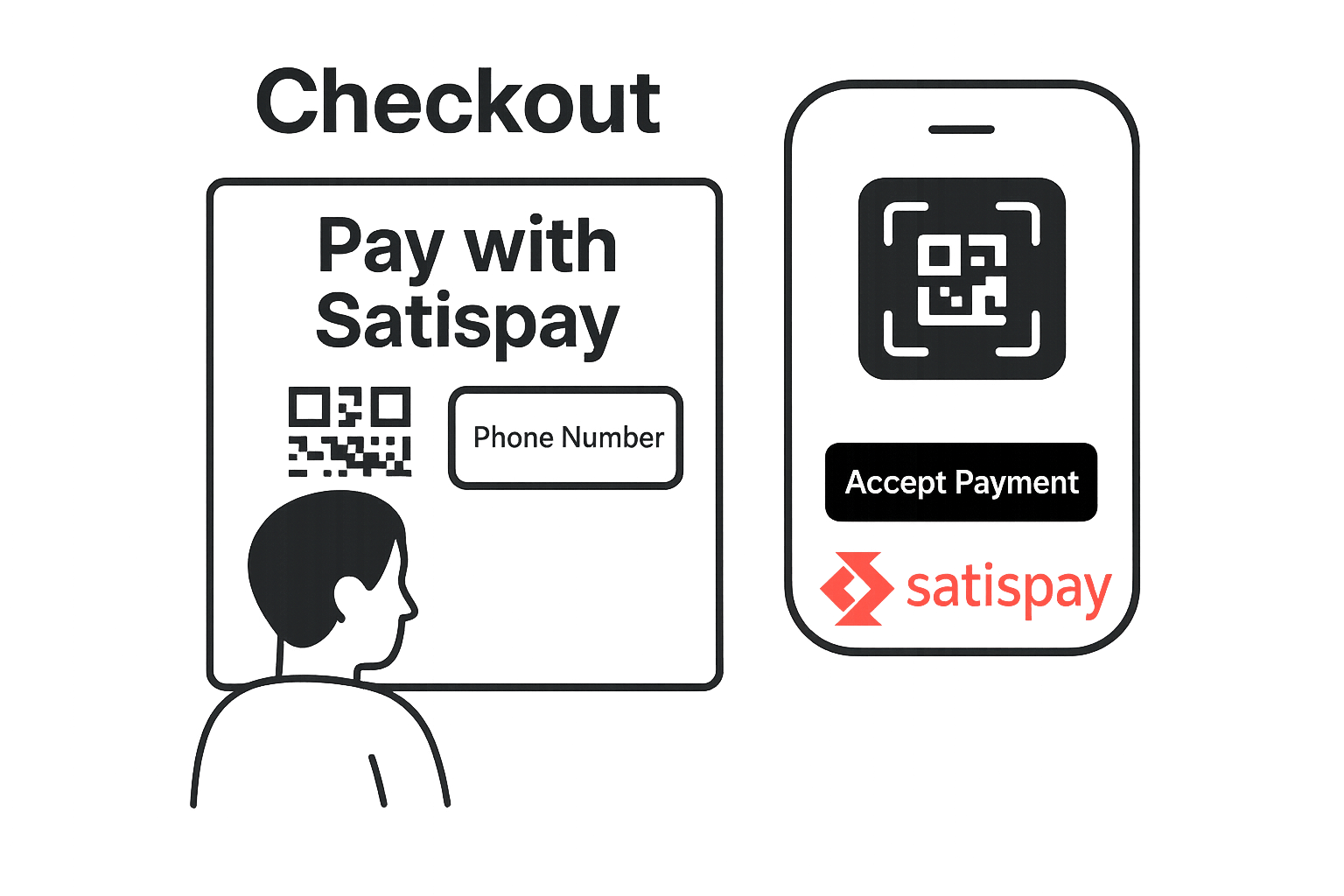
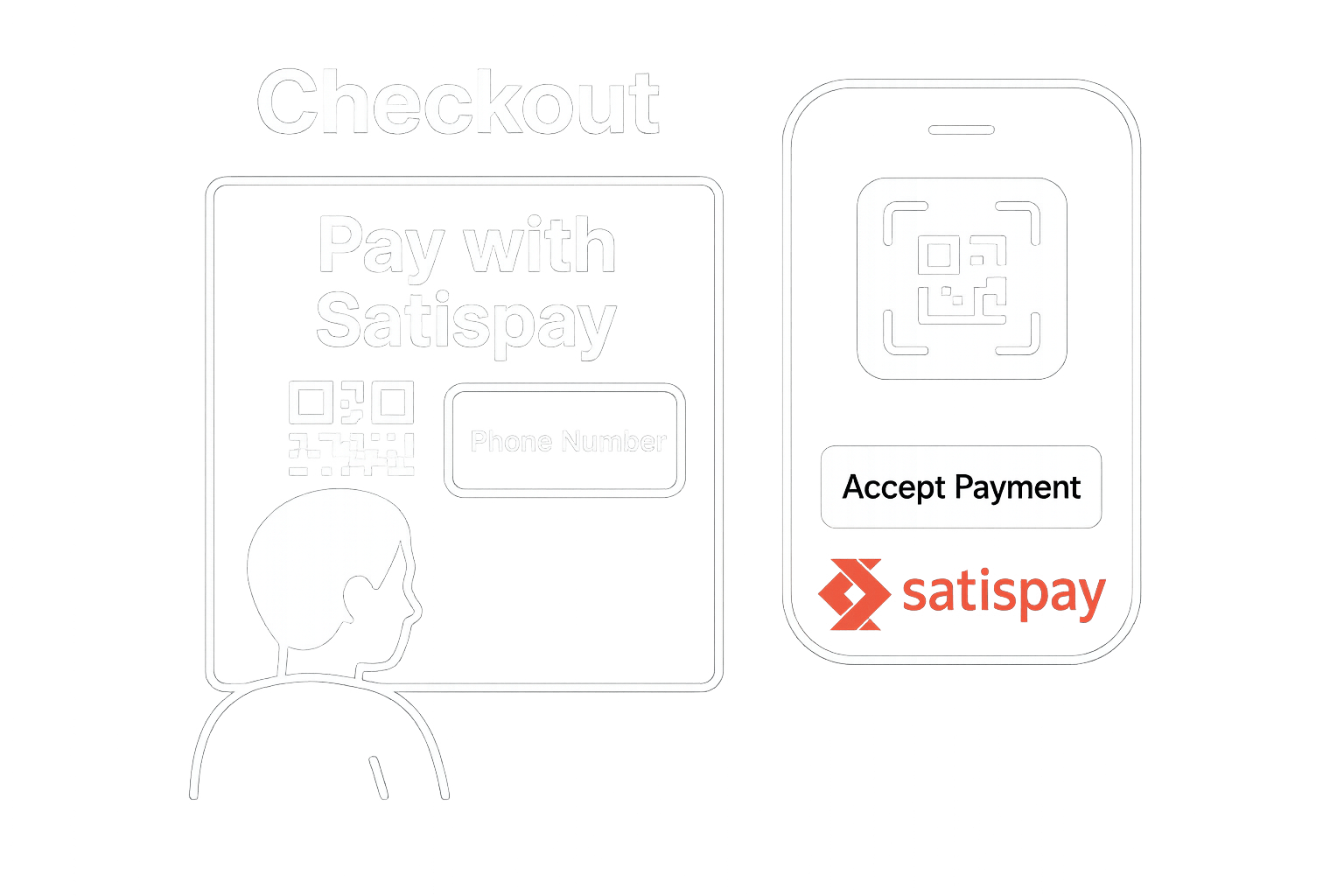
Mobile-First Checkout
Satispay initiates a push notification to the shopper’s app where they confirm the payment in one tap.
- Fast checkout experience
- Real-time confirmation
- Strong adoption in Italy
Details
Capabilities
- Partial refunds are only possible within 365 days from the payment creation date.
- Delayed capture is possible upto 10 days after the original authorization.
Flows
Satispay Onboarding
This flow works for ONE_TIME , RECURRING , and TOKEN_ONLY transaction types.
Steps
- Shopper selects Satispay.
- Merchant Initiates Payment with Nopan.
- Nopan initiates the payment with Satispay by asking to create an authorizatoin token.
- Satispay returns back a tokenId and a redirect url.
- Merchant redirects the user to Satispay
- On Mobile the redirect will be intercepted and shopper will get redirected to Satispay app right away
- On Desktop shopper may choose to scan a QR code or enter their phone number and get push notification
- Shopper accepts authorization.
- Nopan completes first payment.
- Nopan notifies merchant about transaction being completed.
- Alternatively merchant periodically checks for the status of transaction.
In case the payment is set as a ONE_TIME, merchants can choose not to redirect.
Instead they can do one of 2 things:
- Collect a phone number and display it on their end
- Request a QR Code and display it on their end
Integration
- Recurring setup
- One Time with Redirect
- One Time without Redirect
- Drop-in
Send a POST /payments/initiate request to Nopan with the following format:
{
  "processingAccountId": "merchant-1234",
  "clientTransactionId": "client-txn-54c8c9bc",
  "returnUrl": "https://api.merchant.callback?ref=order-1234",
  "transactionType": "RECURRING",
  "paymentDetails": {
    "amount": 200,
    "currency": "EUR",
    "country": "IT",
    "description": "Product ID 1234 purchase"
  },
  "providerDetails": {
    "providerId": "SATISPAY"
  },
  "payerDetails": {
    "payerId": "payerUUID"
  },
  "requestContext": {
    "ipAddress": "203.0.113.45",
    "userAgent": "Mozilla/5.0 (X11; Linux x86_64) AppleWebKit/537.36",
    "channel": "WEB",
    "deviceId": "device-99001",
    "locale": "it-IT"
  },
  "metadata": {
    "subscriptionId": "sub-456",
    "customerId": "cust-789",
    "billingCycle": "monthly"
  }
}
returnUrl and payerId fields are mandatory.
Send a POST /payments/initiate request to Nopan with the following format:
{
  "processingAccountId": "merchant-1234",
  "clientTransactionId": "client-txn-54c8c9bc",
  "returnUrl": "https://api.merchant.callback?ref=order-1234",
  "transactionType": "ONE_TIME",
  "paymentDetails": {
    "amount": 200,
    "currency": "EUR",
    "country": "IT",
    "description": "Product ID 1234 purchase"
  },
  "providerDetails": {
    "providerId": "SATISPAY"
  },
  "payerDetails": {
    "payerId": "payerUUID"
  },
  "requestContext": {
    "ipAddress": "203.0.113.45",
    "userAgent": "Mozilla/5.0 (Windows NT 10.0; Win64; x64) AppleWebKit/537.36",
    "channel": "WEB",
    "deviceId": "device-77889",
    "locale": "it-IT"
  },
  "metadata": {
    "orderId": "12345",
    "customerId": "cust-789",
    "redirectFlow": "true"
  }
}
returnUrl and payerId fields are mandatory.
Send a POST /payments/initiate request to Nopan with the following format:
{
  "processingAccountId": "merchant-1234",
  "clientTransactionId": "client-txn-54c8c9bc",
  "returnUrl": "https://api.merchant.callback?ref=order-1234",
  "transactionType": "ONE_TIME",
  "paymentDetails": {
    "amount": 200,
    "currency": "EUR",
    "country": "IT",
    "description": "Product ID 1234 purchase"
  },
  "providerDetails": {
    "providerId": "SATISPAY"
  },
  "payerDetails": {
    "payerId": "payerUUID",
    "phone": {
      "countryCode": "+39",
      "number": "3121111111"
    }
  },
  "requestContext": {
    "ipAddress": "203.0.113.45",
    "userAgent": "Mozilla/5.0 (Linux; Android 13) AppleWebKit/537.36",
    "channel": "APP",
    "deviceId": "device-44556",
    "locale": "it-IT"
  },
  "metadata": {
    "orderId": "12345",
    "customerId": "cust-789",
    "storeName": "Milano Store"
  }
}
Provide phone number upfront to avoid redirect
Drop-in components are currently in development.
Satispay will automatically appear in your checkout when eligible. No additional configuration is required for most integrations.
Satispay Recurring
This flow works only with RECURRING transaction types.
Steps
- Merchant sends Nopan a Charge Request with either a payerId or a payment token.
- Nopan validates payment token with Satispay
- Nopan initiates a payment with Satispay
- Nopan notifies merchant about transaction being completed.
Integration
- Direct API
- Drop-in
Send a POST /payments/charge request to Nopan with the following format:
{
  "clientTransactionId": "order123",
  "transactionType": "RECURRING",
  "paymentDetails": {
    "amount": 200,
    "currency": "EUR",
    "country": "IT",
    "description": "Product ID 1234 purchase"
  },
  "providerDetails": {
    "providerId": "SATISPAY"
  },
  "payerDetails": {
    "payerId": "payerUUID",
    "paymentToken": "paymentTokenUUID"
  }
}
paymentToken or payerId is required.
Drop-in only available for a ONE_TIME flow.
Testing
Leverage Nopan Mocking framework to test your Satispay integration with Nopan. Alternatively merchant can request to register with Satispay sanbox environment and receive a special test app they can use to test vairous scenarious.
Contact Nopan if you would like to register with Satispay sandbox account. You will need:
- Valid phone number.
- Email address.
- Use cases you would like to test
You can also choose to mock the behaviour with Nopan directly. See Mocking for more details.
Error Codes
For a full list of Nopan error codes, see Error Handling.
21 – Insufficient availability100027 – Payment not allowed800334 – Unauthorized102036 – Missing or invalid fields400041 – Resource not found400145 – Unable to fulfill the request800470 – Anti-hammering violation3000131 – Payment too old to be refunded5008172 – Pre-authorized payment token invalid2002173 – User not found2002246 – HOTP token not valid4000Requirements
- Merchant must be registered with Satispay.
- Shopper must have the Satispay mobile app.
- Recurring transactions require prior consent.
Learn More
Learn more about differences in the recurring models on Satispay website.