IRIS
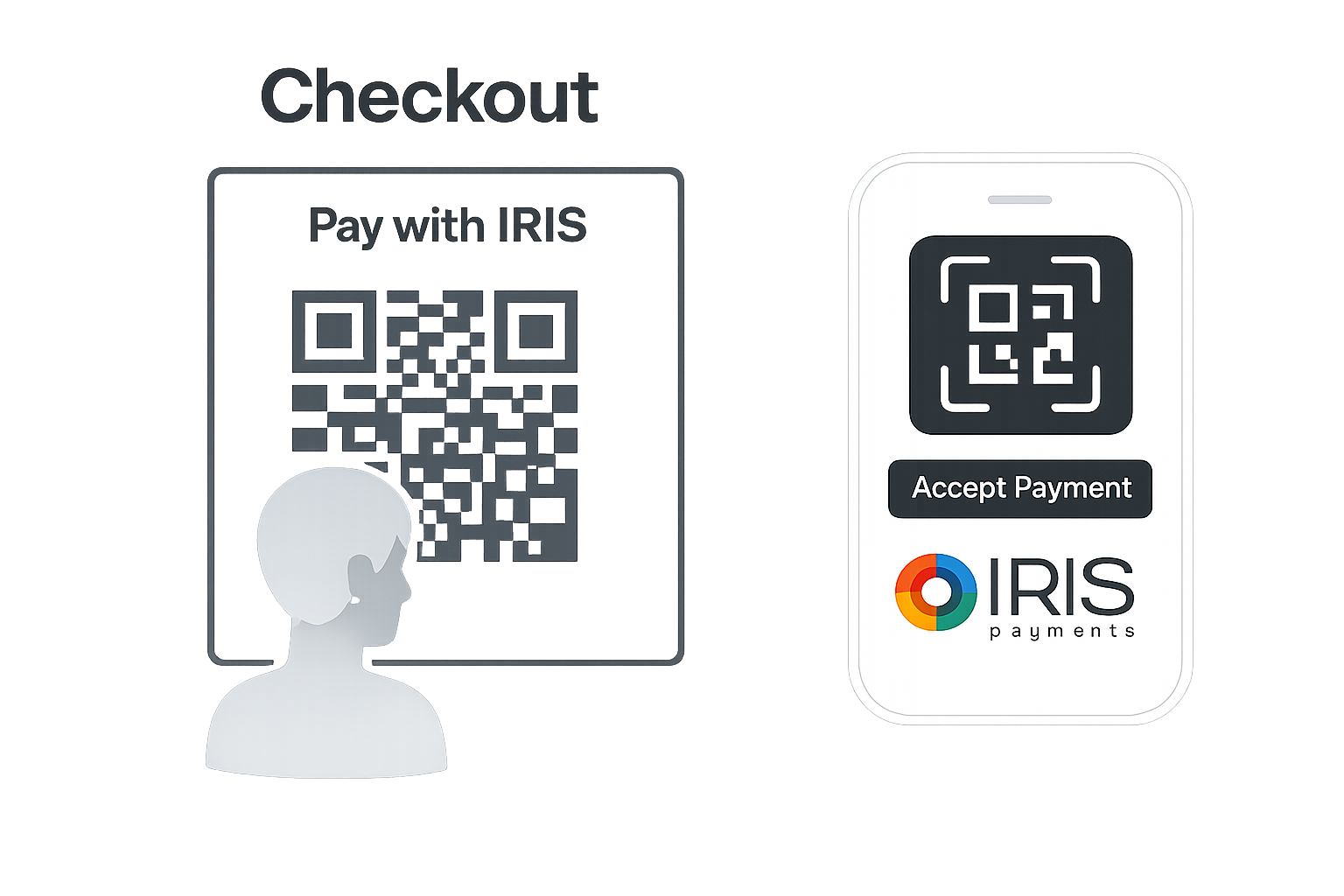
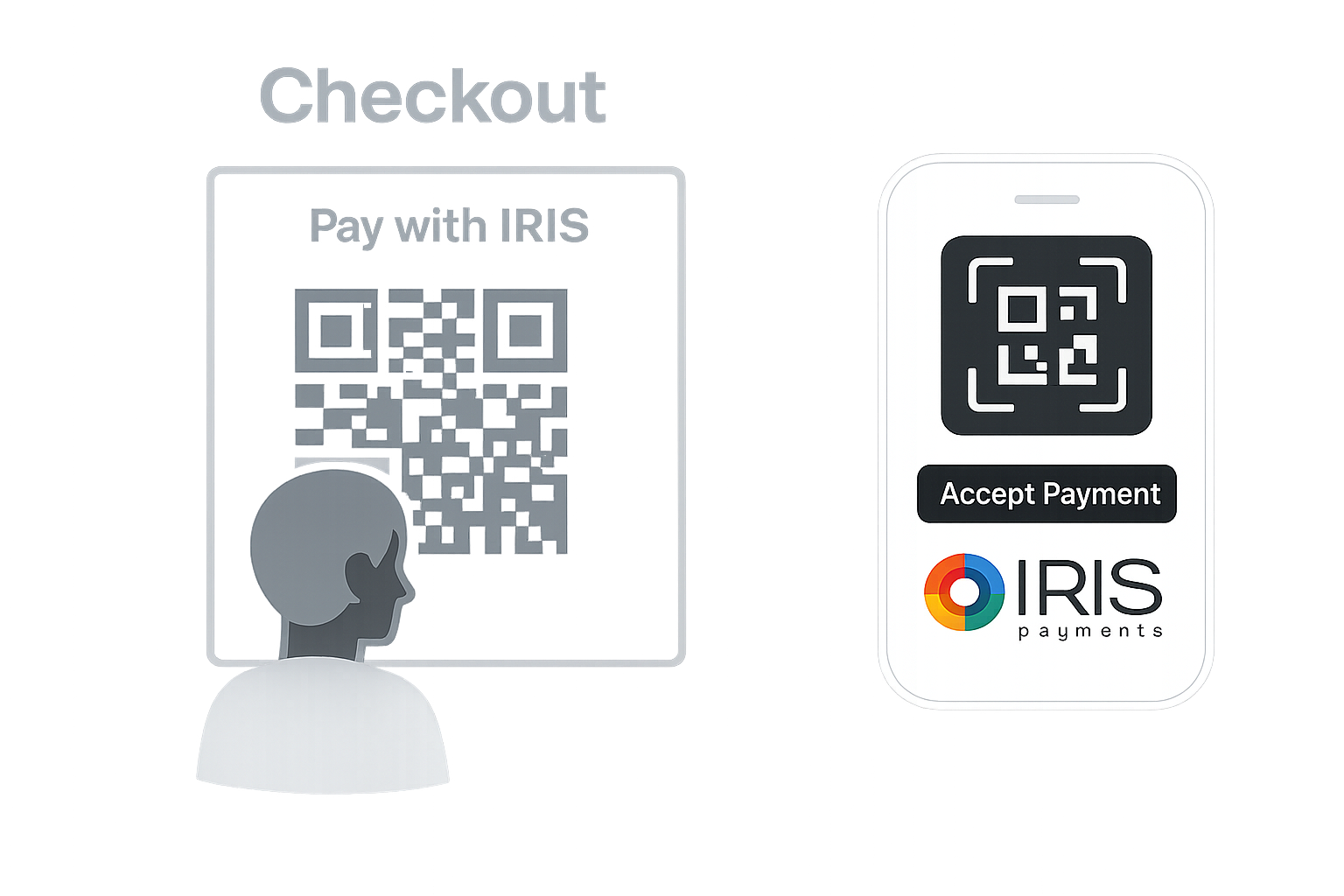
IRIS is Greece's national digital payment solution that enables instant account-to-account payments through the DIAS interbanking system. Shoppers can pay online using their Greek bank account through a secure redirect to their e-banking or by scanning a QR code with their mobile banking app.
Request to Pay
IRIS uses a Request to Pay flow where merchants create payment requests that shoppers authorize in their mobile banking.
- Direct bank account payments
- Real-time confirmation
- Supported by all major Greek banks
Details
Capabilities
Flows
IRIS Payment Flow
This flow works for ONE_TIME transaction type only.
Steps
- Shopper selects IRIS as payment method at checkout.
- Merchant Initiates Payment with Nopan.
- Nopan creates a Request to Pay with the IRIS.
- IRIS returns a redirect URL to the payment page.
- Shopper is redirected to the IRIS payment page hosted by DIAS.
- Depending on the device shopper either selects their bank and authenticates or scans a QR code from their mobile banking app.
- Shopper reviews and confirms the payment
- Nopan receives the payment notification from IRIS.
- Shopper is redirected back to merchant site.
- Merchant retrieves final payment status (sync or async).
Integration
- Direct API
- Drop-in
Send a POST /payments/initiate request to Nopan with the following format:
{
  "processingAccountId": "merchant-1234",
  "clientTransactionId": "merchant-12345678",
  "returnUrl": "https://api.merchant.callback?ref=order123",
  "transactionType": "ONE_TIME",
  "paymentDetails": {
    "amount": 100,
    "currency": "EUR",
    "country": "GR",
    "description": "Play Station 5 game"
  },
  "providerDetails": {
    "providerId": "IRIS"
  },
  "payerDetails": {
    "payerId": "payerUUID"
  },
  "requestContext": {
    "ipAddress": "203.0.113.45",
    "userAgent": "Mozilla/5.0",
    "channel": "WEB",
    "deviceId": "device-1234",
    "locale": "el-GR"
  },
  "metadata": {
    "orderId": "12345",
    "customerId": "cust-789",
    "productCategory": "electronics"
  }
}
returnUrl and payerId fields are mandatory.
- Payment requests are valid for 5-30 minutes (default 30 minutes).
The shopper will be redirected to the IRIS payment page where they can choose between bank selection (desktop) or QR code scan (mobile) based on their device.
Drop-in components are currently in development.
IRIS will automatically appear in your checkout when eligible. No additional configuration is required for most integrations.
Testing
Leverage Nopan Mocking framework to test your IRIS integration with Nopan. You can choose to mock the behavior with Nopan directly. See Mocking for more details.
Error Codes
For a full list of Nopan error codes, see Error Handling.
DMSP1000 – General server error8004DMSP1003 – Order not found4001DMSP1010 – Service maintenance8004DMSP1104 – Invalid date format4000DMSP1109 – Invalid validity period4000DMSP1112 – Invalid amount4000DMSP1120 – Duplicate reference3001DMSP1140 – Unauthorized action4971TIMEOUT – Session expired2000AUTHORISINGPARTYABORTED – User cancelled2001Requirements
- Shopper must have an active account with a participating Greek bank.
- Shopper must have e-banking or mobile banking access enabled.
IRIS does not support recurring payments or tokenization. Each payment requires explicit shopper authorization via their bank's online or mobile banking interface.
Learn More
Participating Banks
IRIS is supported by all major Greek banks including. Lear more here.