MB WAY
MB WAY is Portugal's most widely used mobile payment wallet. Shoppers pay with the phone number linked to their MB WAY app and approve each payment in the app, with no card details entered at checkout.
Mobile push notifications
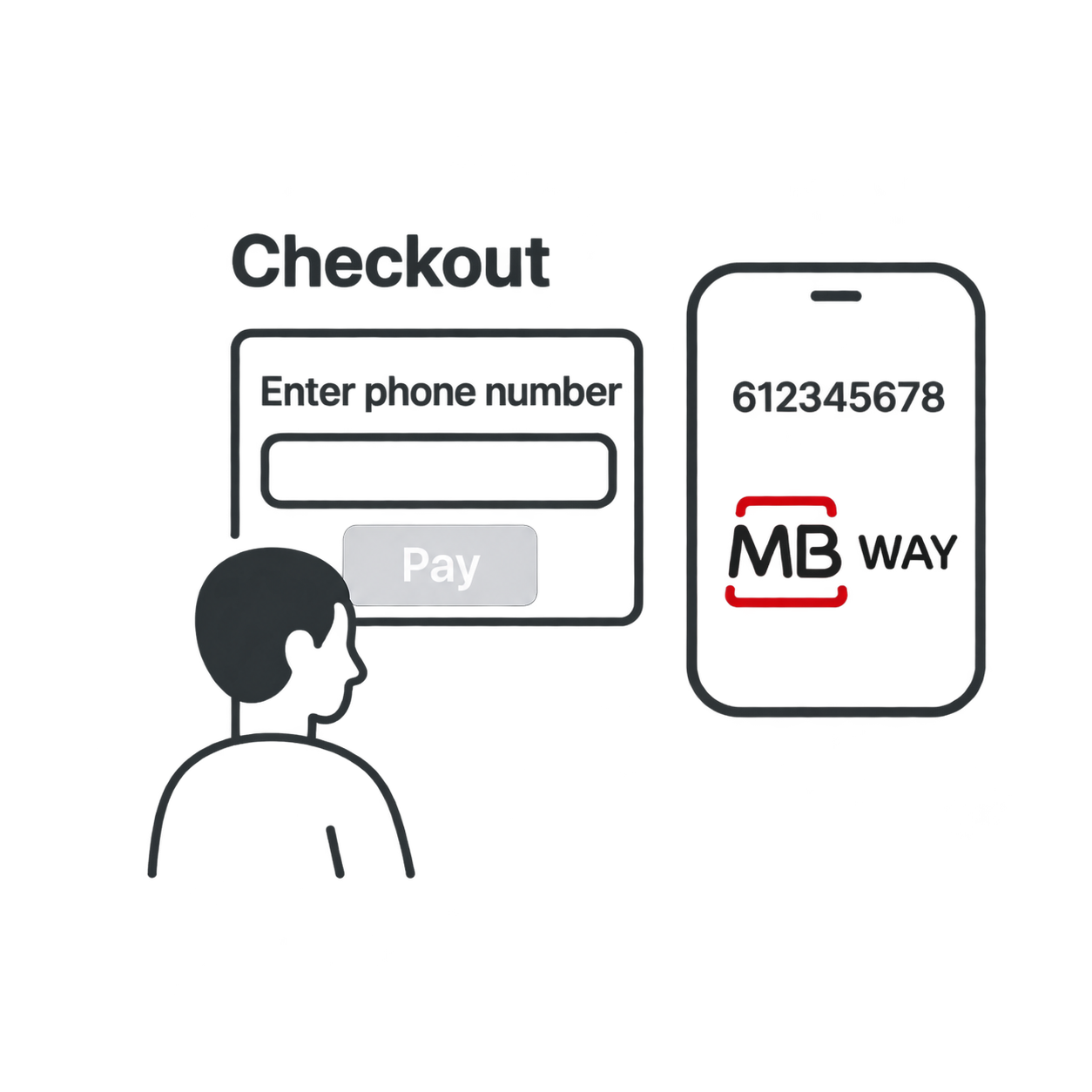
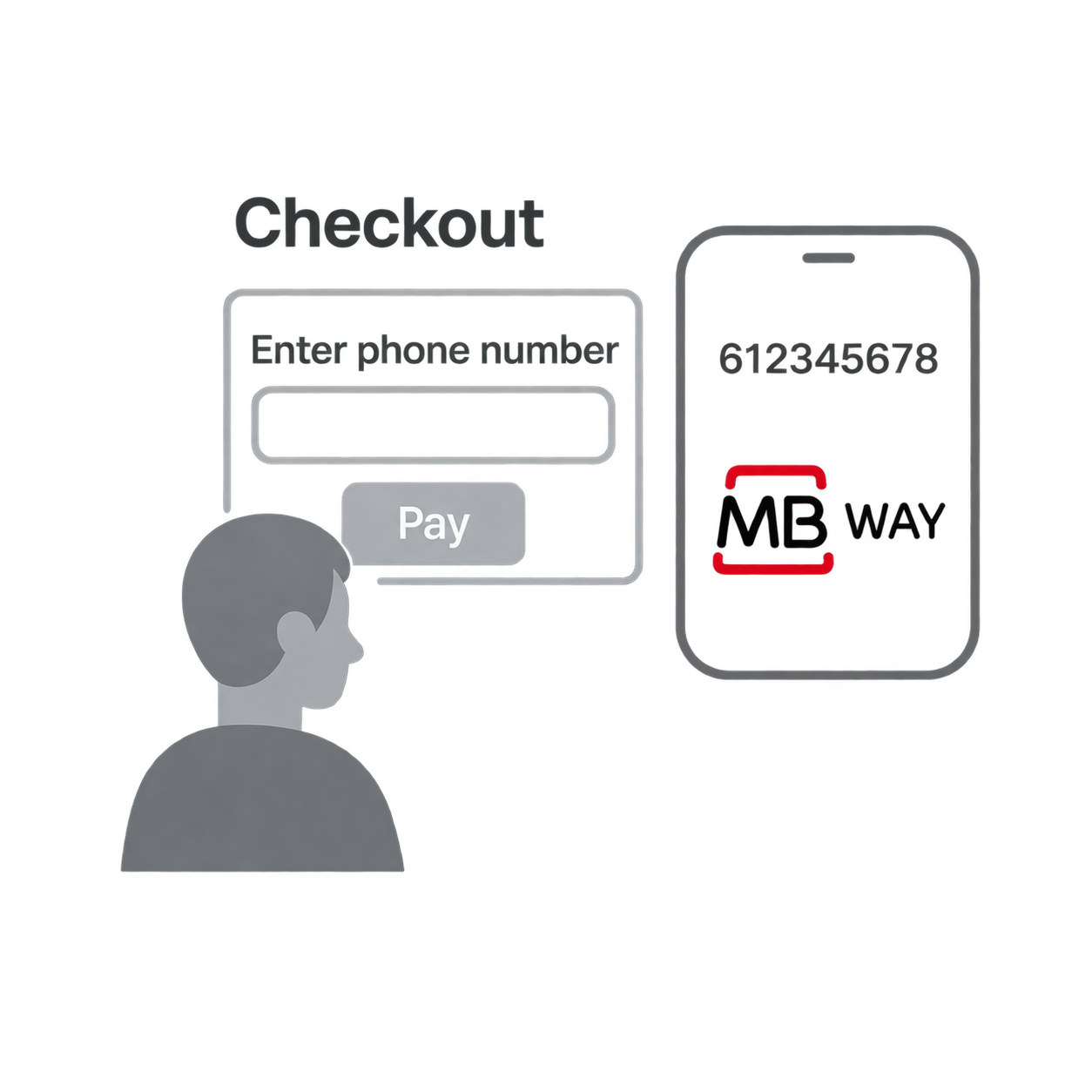
The shopper enters their phone number at checkout. MB WAY sends a payment request to the shopper's app, where they review the amount, choose a card, and approve with their PIN.
- Pay via phone number with no card entry
- Payment approved in the MB WAY app
- Supported by most Portuguese banks
Details
Capabilities
Flows
MB WAY Payment
This flow works for ONE_TIME transaction types.
Steps
- Shopper selects MB WAY and enters their phone number.
The phone number must be registered with MB WAY.
- Merchant Initiates Payment with Nopan. The payment stays pending while the shopper approves it.
- MB WAY sends a push notification to the shopper's MB WAY app.
- Shopper reviews the payment, chooses a card, and approves it with their PIN.
- Nopan notifies merchant about transaction being completed.
- Alternatively merchant periodically checks for the status of transaction.
The shopper has 4 minutes to approve the payment in the MB WAY app. If they don't approve in time, the payment is declined with reason code 2000. If they reject the request, the reason code is 5005. Show the shopper that the payment is waiting for approval in their app.
Integration
- Direct API
- Drop-in
Send a POST /payments/initiate request to Nopan with the following format:
{
  "processingAccountId": "merchant-1234",
  "clientTransactionId": "client-txn-7f3a91d2",
  "returnUrl": "https://api.merchant.callback?ref=order-1234",
  "transactionType": "ONE_TIME",
  "paymentDetails": {
    "amount": 2500,
    "currency": "EUR",
    "country": "PT",
    "description": "Product ID 1234 purchase"
  },
  "providerDetails": {
    "providerId": "MBWAY"
  },
  "payerDetails": {
    "payerId": "payerUUID",
    "phone": {
      "number": "912345678",
      "countryCode": "+351"
    }
  },
  "requestContext": {
    "ipAddress": "203.0.113.45",
    "userAgent": "Mozilla/5.0 (iPhone; CPU iPhone OS 16_0 like Mac OS X) AppleWebKit/605.1.15",
    "channel": "WEB",
    "deviceId": "device-67890",
    "locale": "pt-PT"
  },
  "metadata": {
    "orderId": "12345",
    "customerId": "cust-789"
  }
}
payerDetails.phone is required. Use the phone number linked to the shopper's MB WAY account.
Drop-in components are currently in development.
MB WAY will automatically appear in your checkout when eligible. No additional configuration is required for most integrations.
MB WAY Authorization
This flow works for RECURRING and TOKEN_ONLY transaction types.
The shopper authorizes the merchant once in the MB WAY app. When approving, the shopper sets a maximum amount and an expiry date for the authorization. Later charges don't need the shopper to approve them.
Steps
- Shopper selects MB WAY and enters their phone number.
- Merchant Initiates Payment with Nopan, with a RECURRING or TOKEN_ONLY transaction type.
- MB WAY sends a push notification to the shopper's MB WAY app.
- Shopper reviews the authorization, sets the maximum amount and expiry date, and approves it.
- For RECURRING , Nopan charges the first payment straight away. For TOKEN_ONLY , no money is moved until the merchant sends a charge request.
- Nopan notifies the merchant about the transaction being completed.
The shopper has 10 minutes to approve the authorization in the MB WAY app. If they don't approve in time, or reject the request, the authorization isn't created.
Integration
- Direct API
- Drop-in
Send a POST /payments/initiate request to Nopan with the following format:
{
  "processingAccountId": "merchant-1234",
  "clientTransactionId": "client-txn-9b2e47c1",
  "returnUrl": "https://api.merchant.callback?ref=order-1234",
  "transactionType": "TOKENIZED",
  "paymentDetails": {
    "amount": 2000,
    "currency": "EUR",
    "country": "PT",
    "description": "Subscription ID 1234",
    "recurringFirstPaymentAt": "2026-12-01T10:00:00.000Z"
  },
  "providerDetails": {
    "providerId": "MBWAY"
  },
  "payerDetails": {
    "payerId": "payerUUID",
    "phone": {
      "number": "912345678",
      "countryCode": "+351"
    }
  }
}
payerDetails.phone is required. Use the phone number linked to the shopper's MB WAY account.
MB WAY authorizations have no billing frequency. Don't send recurringFrequency for MB WAY.
Drop-in only available for a ONE_TIME flow.
MB WAY Recurring
This flow works only with RECURRING and TOKEN_ONLY transaction types, after the shopper has approved the authorization.
Steps
- Merchant sends Nopan a Charge Request.
- Nopan charges the shopper with MB WAY, using the authorization the shopper approved. The shopper doesn't need to approve the charge.
- Nopan confirms the result to the merchant.
A charge is declined if it's above the maximum amount the shopper set, or after the authorization's expiry date. The shopper can also suspend or cancel the authorization in the MB WAY app at any time.
Integration
- Direct API
- Drop-in
Send a POST /payments/charge request to Nopan with the following format:
{
  "clientTransactionId": "order123",
  "transactionType": "RECURRING",
  "paymentDetails": {
    "amount": 2000,
    "currency": "EUR",
    "country": "PT",
    "description": "Subscription ID 1234"
  },
  "providerDetails": {
    "providerId": "MBWAY"
  },
  "payerDetails": {
    "payerId": "payerUUID",
    "paymentToken": "paymentTokenUUID"
  }
}
paymentToken or payerId is required.
Drop-in only available for a ONE_TIME flow.
Testing
Leverage Nopan Mocking framework to test your MB WAY integration with Nopan.
Error Codes
For a full list of Nopan error codes, see Error Handling.
01.106.0001 – Refused by the shopper500501.106.0002 – Card already associated101010.106.0003 – Wrong alias200210.106.0004 – Alias format400010.106.0005 – Alias duplication200210.106.0006 – Alias does not exist200210.106.0007 – Duplicated transaction300210.106.0009 – Operation declined101090.000.0002 – Time out800110.106.0002 – Service unavailable8004Recurring and tokenized payments
These codes apply to the MB WAY authorization used for RECURRING and TOKEN_ONLY payments, and to charges made with it.
10.106.2632 – Authorized Payment Unknown800410.106.2639 – Authorized Payment Invalid Operation Type800410.106.2640 – Authorized Payments Service Disabled800410.106.2641 – Invalid Authorized Payment Status800410.106.2644 – Invalid Authorized Payment Values800410.106.2645 – Invalid Authorized Payment Service Provider800410.106.2699 – Invalid Authorized Payment Context800490.106.2699 – Internal error800410.110.2301 – Status validation error500210.110.2631 – Authorization cancelled500510.110.2632 – Authorization unknown400110.110.2633 – Authorization rejected500510.110.2634 – Authorization refused101010.110.2635 – Authorization reverted500410.110.2636 – Authorization time out200010.110.2637 – Authorization expired200010.110.2638 – Authorization unknown400110.110.2639 – Authorization not valid500210.110.2640 – Authorization inactive500410.110.2641 – Authorization not valid500210.110.2642 – Authorization token not valid406010.110.2643 – Invalid authorization context400010.110.2670 – Invalid terminal200310.110.2671 – Invalid payment method200310.110.2672 – Invalid authorization identification400010.110.2673 – Missing authorization data400010.110.2674 – Merchant authorization service inactive200310.110.2675 – Authorization already exists500110.110.2676 – Authorization unavailable406010.110.2677 – Authorization unknown406010.110.2678 – Authorization cancelled406110.110.2680 – Wrong authorization parameters400010.110.2681 – Wrong authorization parameters4000Requirements
- Shopper must have an MB WAY account linked to a participating Portuguese bank.
- Shopper must approve the payment in the MB WAY app.
- Recurring and tokenized payments require the shopper to approve an authorization in the MB WAY app.
Learn More
Learn more on MB WAY website.